Quotex Demo Account: Trade Risk-Free with $10,000 Virtual Funds
The Quotex demo account is a free virtual trading environment that replicates all the features of a live account - charts, indicators, assets, and execution speed - without putting a single dollar at risk. It is designed for traders at every stage: complete beginners who need to learn the basics, intermediate traders testing new strategies, and experienced professionals evaluating the platform before committing real capital.
This guide explains what the Quotex demo includes, how to open it in minutes, how to use it effectively, and when it makes sense to switch to live trading. If you are exploring the Quotex platform for the first time, the demo is the single best place to start.
Get the Quotex First Deposit Bonus
Quotex

Trade on Quotex online with bonus and explore a modern digital options platform with fast order execution, flexible strategies and convenient trading tools.
What Is the Quotex Demo Account
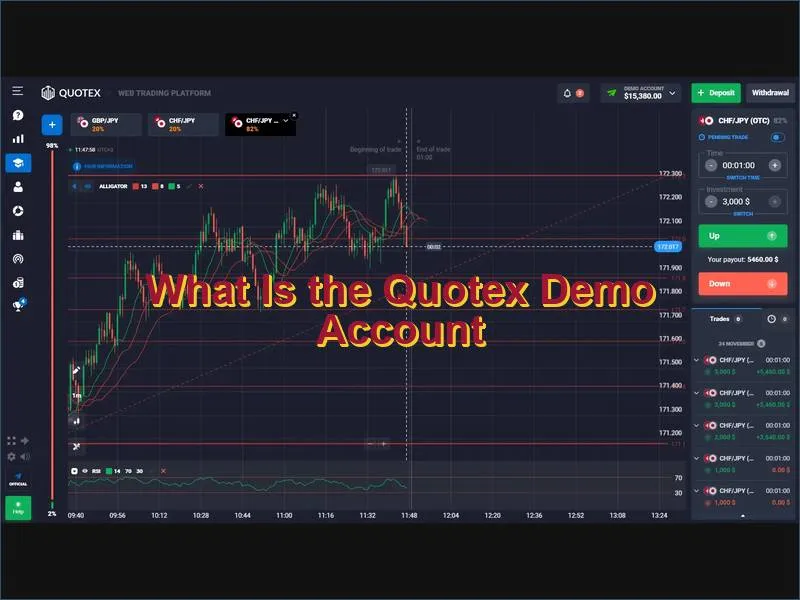
The Quotex demo account is a simulated trading environment preloaded with $10,000 in virtual funds. It connects to live market data, meaning price movements, spreads, and asset behaviour reflect actual conditions rather than artificial or delayed feeds. Trades are executed using the same engine as the real account, so timing, slippage patterns, and charting responses are identical.
Key characteristics of the demo:
- Virtual balance of $10,000, replenishable at any time from the dashboard
- Access to the full asset catalogue - Forex pairs, cryptocurrencies, commodities, indices, and stocks
- All charting tools and technical indicators available in the live environment
- Flexible trade durations from 1 minute up to 4 hours
- No deposit, no credit card, and no identity verification required to begin
- No expiry date - the account remains active as long as you log in periodically
The demo does not simulate emotions or liquidity constraints present in live trading, but it provides the most realistic mechanical environment possible for skill development and strategy validation.
How to Open a Quotex Demo Account: Step-by-Step
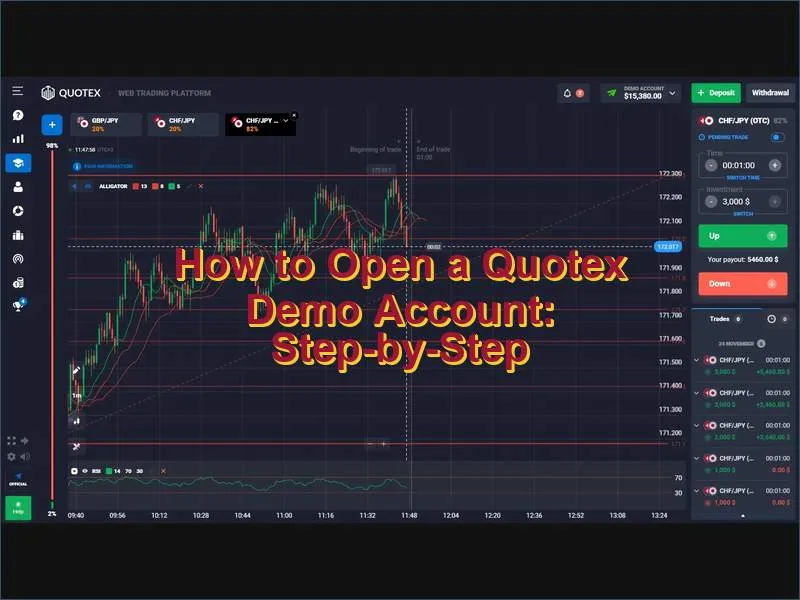
Opening the Quotex demo takes under two minutes. The process requires no deposit and no document verification. Four registration methods are available: email, one-click instant access, Google, and Facebook.
Step 1 - Go to the Quotex website and click Open Demo Account
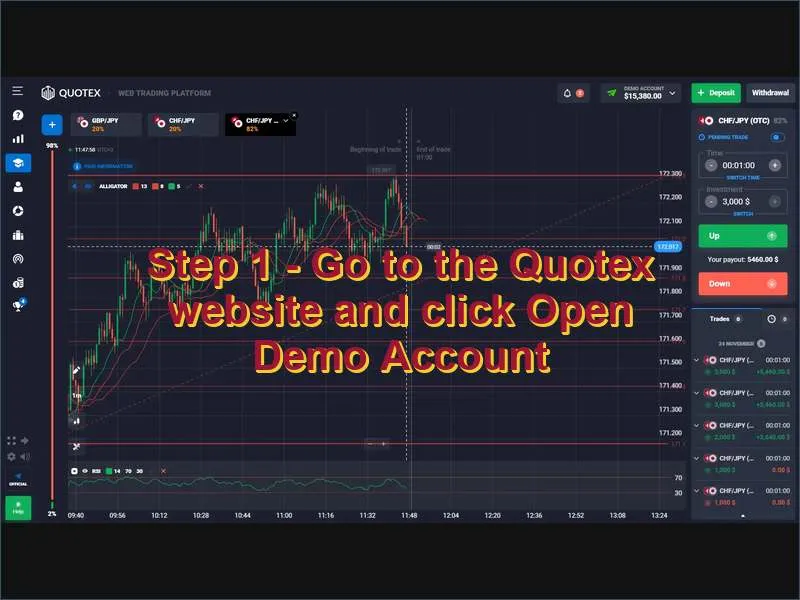
Visit the official Quotex website and locate the Open Demo Account button on the homepage. For traders who want to explore the interface immediately - without any form at all - a one-click option loads the trading terminal directly with temporary credentials. This is the fastest path to the charts, though creating a registered account is recommended for saving your progress.
Step 2 - Complete registration
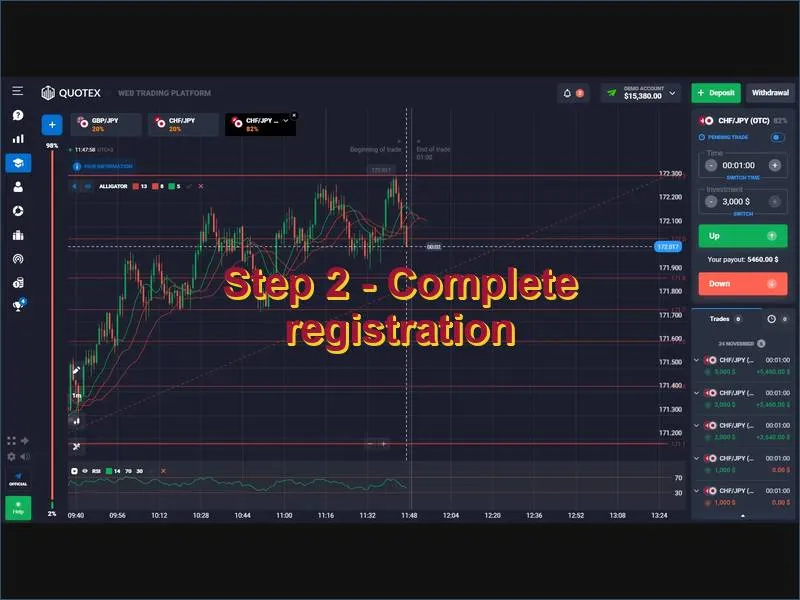
Enter a valid email address, create a strong password, and select your preferred account currency. Confirm that you are 18 or older and accept the platform terms. Click Register. A verification link will arrive in your inbox - click it to activate your credentials. Alternatively, use your Google or Facebook account for instant authentication without a separate password to manage.
Step 3 - Log in and access the demo trading mode
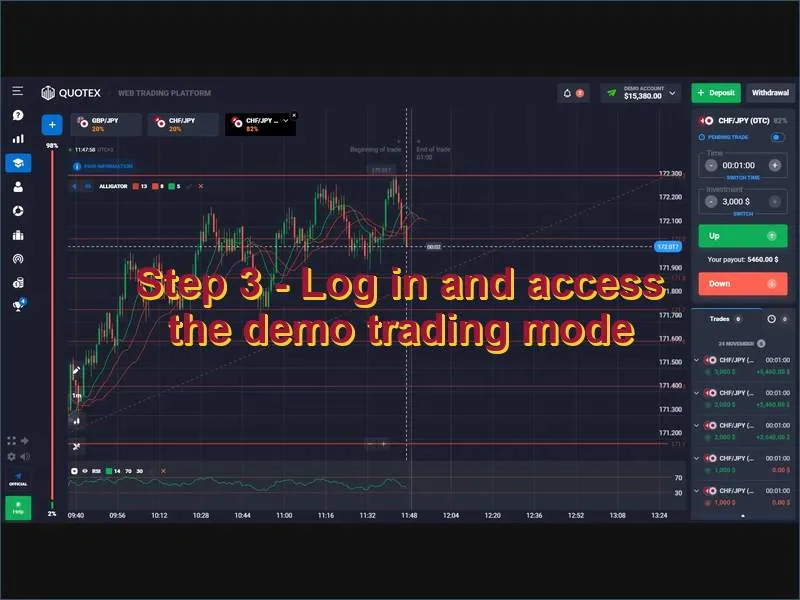
After logging in, open the left-side menu using the ☰ icon. Select the Demo tab - identifiable by the graduation cap icon. The platform will redirect you to the demo trading area with your $10,000 virtual balance loaded and ready. From this point, all tools, charts, and order types are fully operational.
| Registration method | Time required | Best suited for |
|---|---|---|
| One-click demo | Instant | Immediate platform exploration without signup |
| Email registration | ~1 minute | Persistent account with progress saved |
| Google login | ~30 seconds | Secure access linked to an existing Google account |
| Facebook login | ~30 seconds | Fast setup using social credentials |
Quotex Demo Account vs Live Account: Key Differences
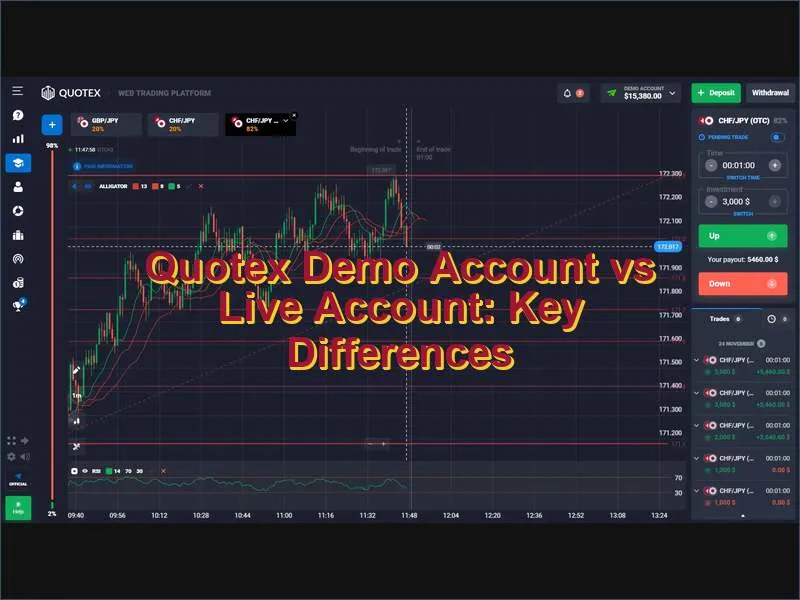
Understanding the differences between demo and live conditions is essential for making a productive transition. The two environments are mechanically identical, but they diverge on several dimensions that matter in practice.
| Feature | Demo account | Live account |
|---|---|---|
| Funds used | Virtual ($10,000 replenishable) | Real deposited capital |
| Financial risk | None | Full - profits and losses are real |
| Market data | Live feeds | Live feeds |
| Asset access | Full catalogue | Full catalogue |
| Bonuses and promotions | Not applicable | Available - see current bonus offers |
| Withdrawals | Not applicable | Available via multiple payment methods |
| Emotional pressure | Minimal | High - directly tied to financial outcome |
| Expiry | None (login required periodically) | Account remains active indefinitely |
The most significant practical difference is psychological. In demo mode, losses carry no consequence, which means traders sometimes develop overconfidence or take position sizes that would be unsustainable with real money. To counteract this, treat each demo session as if the funds were real: apply consistent position sizing, respect stop conditions, and log your results.
Why the Quotex Demo Is Valuable for Beginners
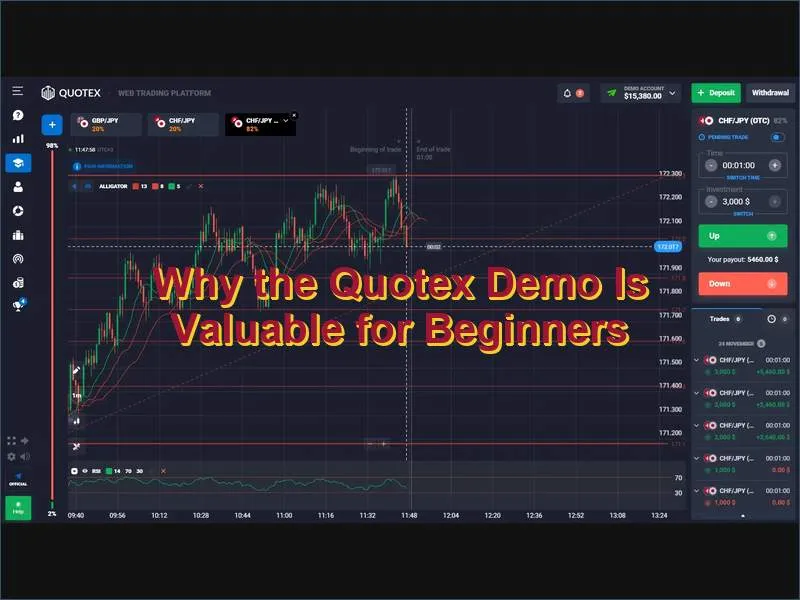
Many new traders make the same costly mistake: depositing real money before understanding how the platform functions or how to manage a trade. The Quotex demo removes this risk entirely. It provides a structured practice environment where the consequences of errors are limited to learning rather than financial loss.
Risk-free strategy testing
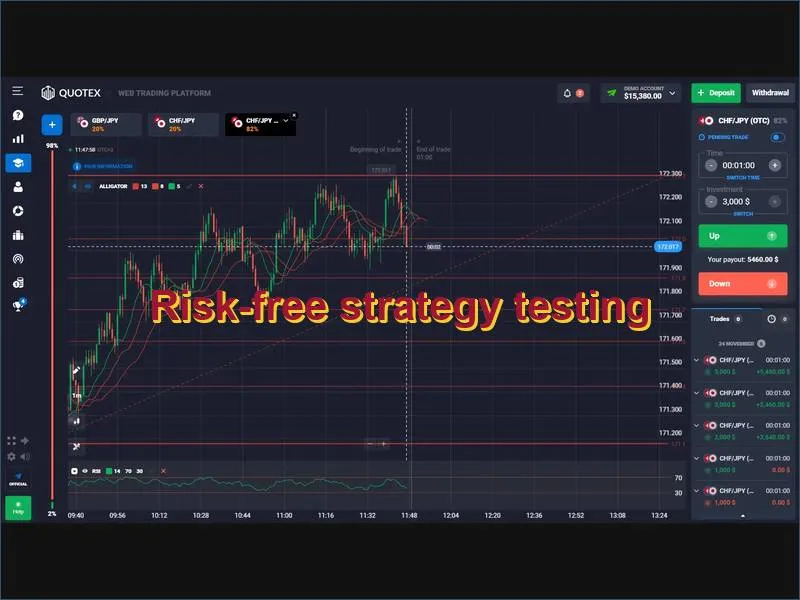
The demo allows you to run any trading strategy - scalping, trend-following, counter-trend, news-based - across multiple assets and time frames without monetary risk. You can test dozens of approaches, compare outcomes, and discard what does not work before applying a proven method with real capital. This process would otherwise cost significant sums in live trading.
Platform familiarity
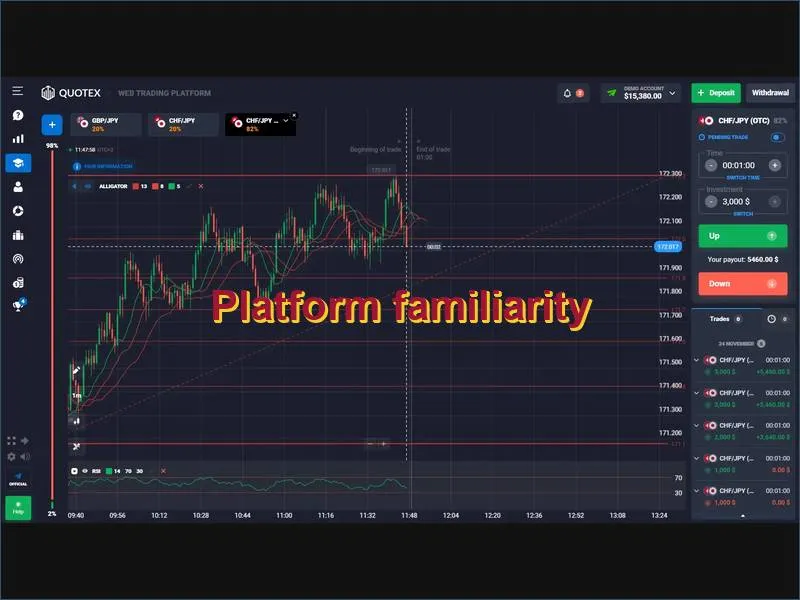
Navigating order types, setting expiry times, adjusting investment amounts, reading indicator signals - all of these actions become reflexive after repeated demo use. When you move to a live account, the interface is already second nature, which reduces hesitation and execution errors under pressure.
Technical analysis skill development
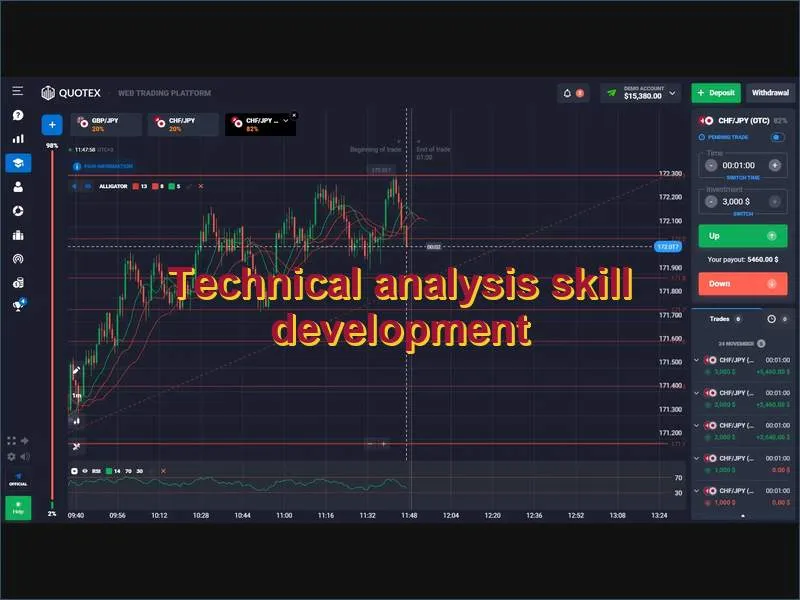
The demo grants access to the full indicator suite - RSI, MACD, Bollinger Bands, moving averages, support and resistance tools - under real price conditions. Beginners can practise reading price action, identifying trend reversals, and interpreting signals without the distraction of profit-and-loss pressure. This hands-on repetition accelerates pattern recognition more effectively than any theoretical study.
Emotional discipline training
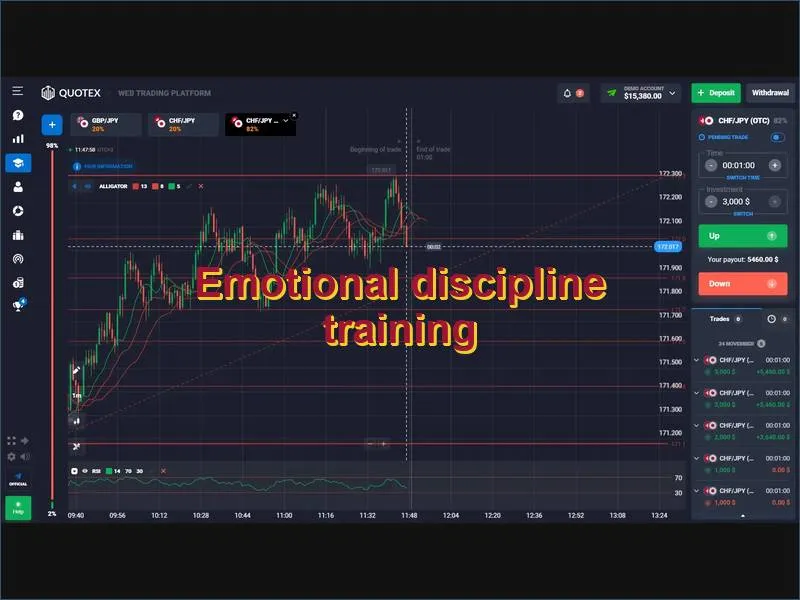
While demo trading cannot fully replicate the stress of real-money markets, it does allow traders to practice decision-making calmly. Maintaining consistent entry rules, resisting the urge to overtrade, and sticking to a predefined plan are habits best built in a consequence-free environment before capital is involved.
How to Use the Quotex Demo Effectively
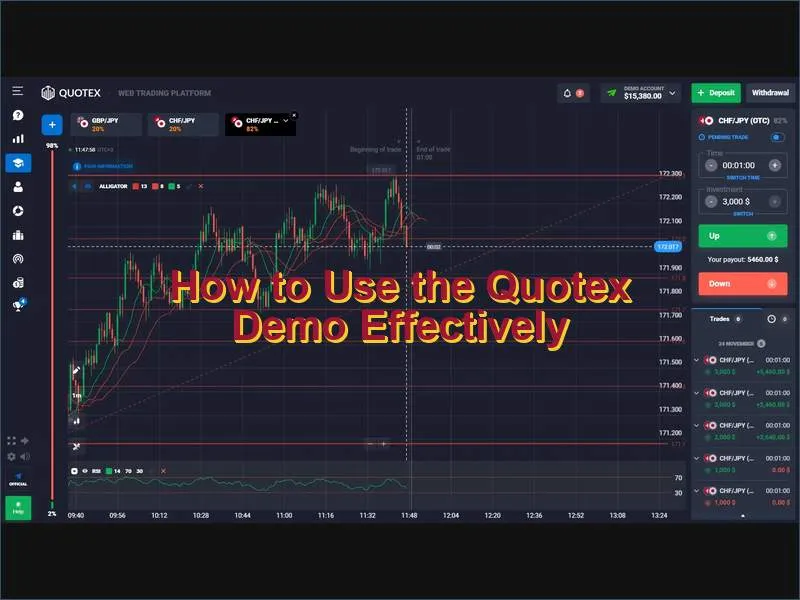
A demo account used passively provides limited benefit. Used with structure and intention, it becomes one of the most powerful preparation tools available. The following approach maximises what you get from the Quotex demo:
- Mirror your live conditions. Trade the same assets, use the same position sizes, and set the same expiry windows you intend to use with real money. Inflated position sizes in demo produce misleading results.
- Set a session target before opening the terminal. Define in advance: which asset, which strategy, which signal triggers a trade. Purposeful practice develops consistency; random clicking develops bad habits.
- Log a minimum of 20 trades per setup. A single outcome - win or loss - tells you nothing about edge. A sample of 20 or more trades in identical conditions begins to show whether a strategy has statistical merit.
- Track fill speed and execution quality. Note how quickly orders are processed, especially around high-volatility events. Understanding normal execution helps identify anomalies when trading live.
- Reset your virtual balance strategically. Instead of replenishing funds after every loss, use drawdown periods to test recovery procedures: reduce position size, restrict asset selection, and rebuild methodically.
- Avoid trading every opportunity. Selective, disciplined entry is a professional habit. Practice it from day one.
When you sustain three consecutive weeks of consistent demo results using realistic position sizing, you are ready to consider moving to a live account.
Common Mistakes to Avoid in Demo Trading
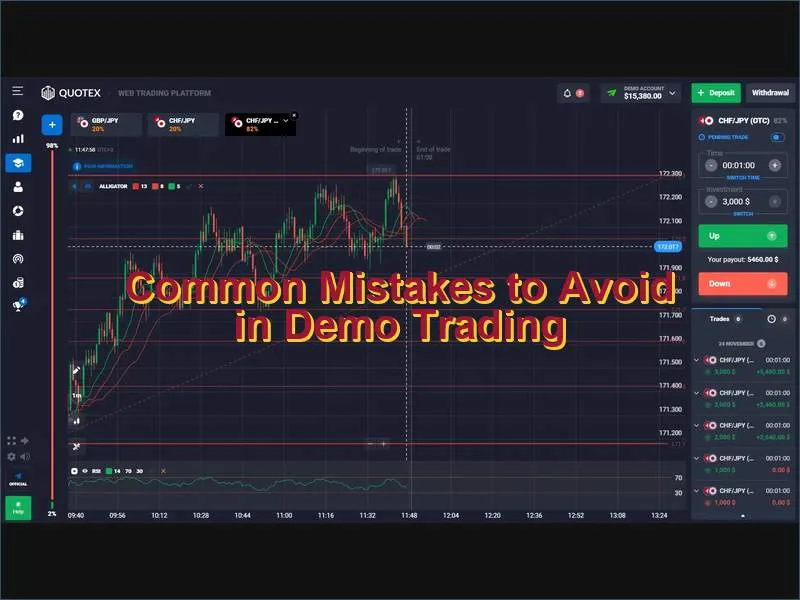
The demo environment is forgiving, which is both its strength and its potential weakness. Several habits formed in demo mode can undermine live performance if not addressed:
- Overtrading due to no financial consequence. Because losses feel painless, traders tend to open far more positions than a rational risk plan would allow. This creates the illusion of active engagement while practising poor discipline.
- Using unrealistic position sizes. Trading $2,000 virtual units when you plan to trade $20 real dollars creates false expectations. Practice at the scale you intend to use live.
- Skipping market analysis. Even with no real money at stake, every trade should be preceded by a reason. Entering on intuition alone builds instincts that fail when stakes are real.
- Not recording trades. A trade journal - even a simple spreadsheet - turns demo sessions into measurable data. Without records, patterns are invisible and improvement stalls.
- Treating demo results as guaranteed forecasts. Demo performance indicates strategy logic; it does not guarantee identical outcomes in live conditions where psychological factors and liquidity differences apply.
How to Switch from Demo to a Live Account
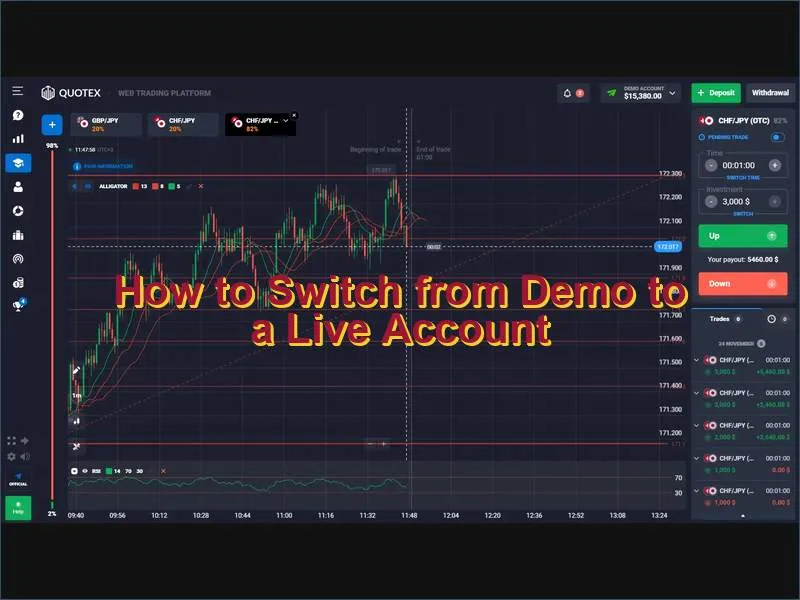
When your demo performance is stable and your strategy is documented, the transition to a live account is straightforward. The switch does not require creating a new profile - the same Quotex account contains both modes.
- Log in to your Quotex account.
- Open the left-side menu (☰ icon).
- Select Trade and then switch to the Real account tab.
- Complete identity verification by uploading a valid government-issued ID document.
- Make a deposit using your preferred method - cards, bank transfer, cryptocurrency, or e-wallets. Full details are available on the payments page.
- Once the deposit is confirmed, your live account is active.
You can switch between demo and real modes at any time using the dropdown selector in the platform header. This makes it easy to continue refining strategies in demo while simultaneously managing live positions.
Before funding your account, review any available deposit bonuses or promo codes - these can extend your initial trading capital. Read the associated terms carefully to understand turnover requirements before accepting a bonus.
Accessing the Quotex Demo on Mobile and Desktop
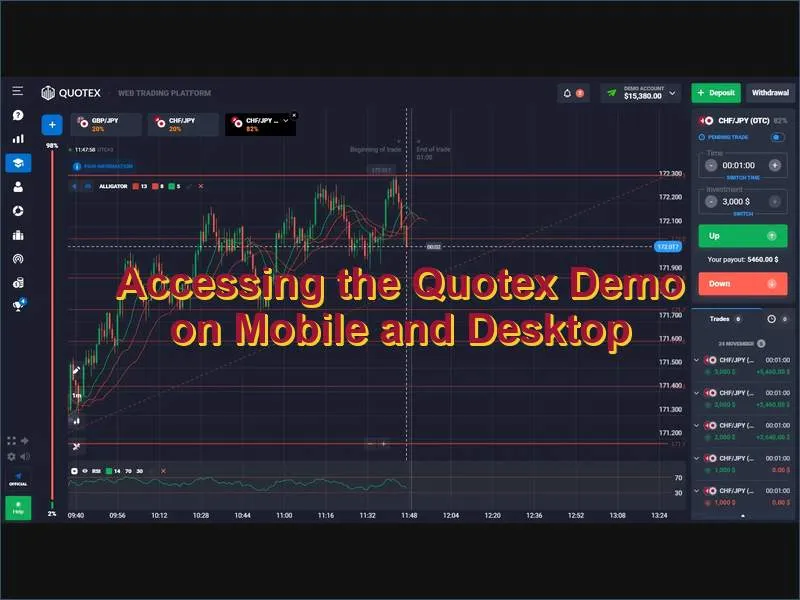
The Quotex demo is available across every access point the platform supports, with no feature restrictions in mobile or desktop environments.
Web browser
The browser-based version works on any device with an internet connection - no downloads required. It provides the complete feature set: all assets, all indicators, and full order functionality. This is the most convenient option for desktop and laptop users.
Mobile app (iOS and Android)
The Quotex mobile app delivers the full demo experience on smartphones and tablets. The interface is optimised for touch interaction while maintaining access to all charting tools and technical indicators. For installation instructions and compatibility details, visit the app download page. Trade durations, asset selection, and position sizing work identically to the desktop version.
Whether you prefer a large screen or the portability of a phone, the demo experience is consistent across all platforms.
Is the Quotex Demo the Right Starting Point for You?
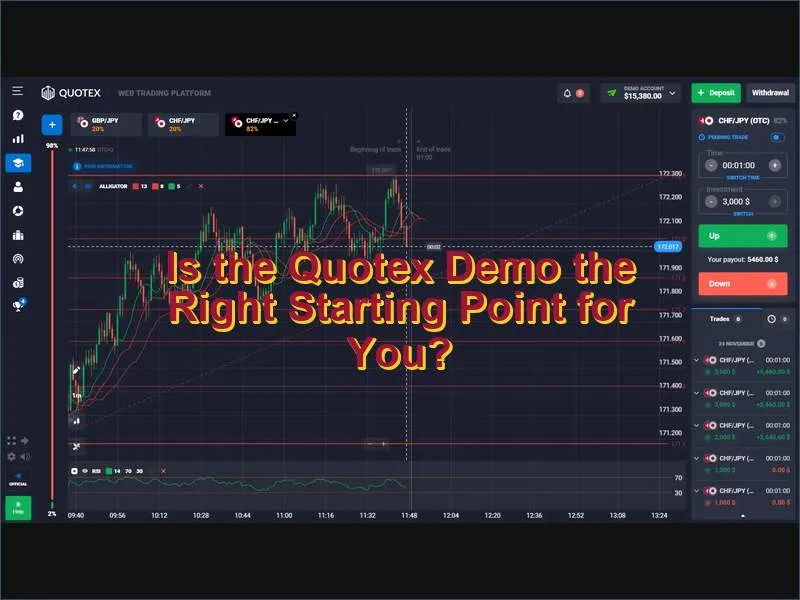
The demo is useful at every level of trading experience, not just for beginners. It is the right starting point if any of the following apply:
- You are new to digital options or Forex trading and want to understand the mechanics before risking money.
- You have a strategy in mind but have not verified it under live price conditions.
- You are familiar with trading but new to the Quotex platform and want to learn its interface and execution behaviour.
- You want to explore a specific asset class - cryptocurrencies, commodities, or an unfamiliar Forex pair - without capital exposure.
For a broader overview of everything the platform offers beyond the demo, see the full Quotex review or visit the main platform page. When you are ready to create a full account, the process takes under five minutes and your demo progress is preserved within the same profile.
Frequently Asked Questions About Quotex Demo Accounts
How much virtual money does the Quotex demo account provide?
Does the Quotex demo account expire?
Is the Quotex demo account free?
Are the same assets available in the demo as in the live account?
Can I use the Quotex demo on a mobile device?
How do I switch from demo to a real trading account on Quotex?
Do demo trading results accurately predict live trading performance?
Quotex